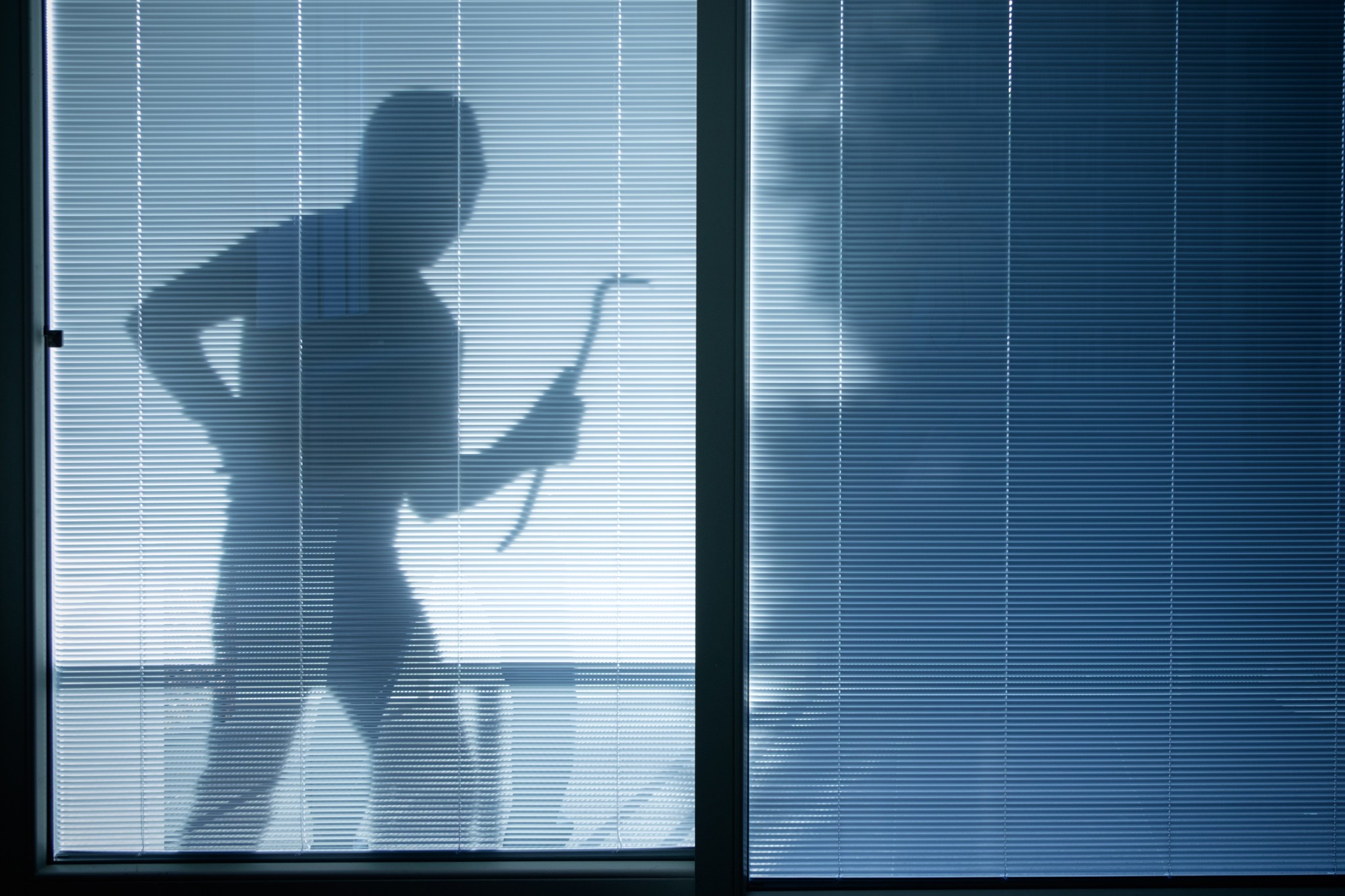

You come home to an open front door, a ransacked house, and missing valuables. How did a burglar know you’d be gone? How did they get in?
Here are nine tips from a burglar's perspective about how to keep them out. And try these home security tips to prevent burglary, too.
#1 Put Ladders Away
Call me a social climber if you will, but I love ladders. They make it so easy to reach a second-story window. I really love it when upper story openings aren’t wired to a home security system.
So, if you want to keep me out, store your ladder in the basement or a locked garage. And call your security company to wire upper-story windows into your alarm system.
#2 Don't Make Your Trash So Visible
Can’t tell you how much fun I have driving around neighborhoods on trash day (especially after big gift holidays) when the empty boxes on the curb reveal what wonderful new toys you have. That made it possible for me to land a new laptop and a flat-screen TV in one easy trip to your home!
Next time, break down the boxes and conceal them in the recycling or trash bins.
#3 Keep Shrubs Trimmed
Oh, how I love overgrown shrubs and trees. A wonderful place to hide before I break in and grab all your cool stuff.
Trim back bushes and trees near windows and doors. Make sure entry points to your home are easily visible from the street. I much prefer to work in private. While you’re at it, install motion-sensor lighting.
#4 Be Sure Your Exterior Doors Are Steel
A plain wood-panel door is an invitation. I have no trouble kicking it in.
You may want to install steel-wrapped exterior doors with deadbolts on all your entries. And be sure your windows are locked when you’re away.
#5 Watch Where You Hang Mirrors
You’d be surprised how many homeowners position a mirror in their entry hall. That means I can see from a window if the alarm system is armed.
A little free advice: Relocate the mirror so your alarm system isn’t visible if someone peers through a window.
#6 Have Someone Attend to Your Home When You're Away
Wow, isn’t it amazing how fast the grass grows? An uncut lawn, unshoveled sidewalks, packages on the porch or in the yard, and shades always closed scream, "I'm empty. Come inside!"
Hire someone you trust to mow or shovel regularly, pick up around the porch and doorstep, open and close various window shades, and turn different lights on and off (or put a few on timers). One more thing: Lock any car you leave in the driveway, or I can use your garage door opener to get in quickly.
#7 Don't Put Valuables in an Easy-Carry Case
I can carry that right out your back door.
You may want to invest in a wall safe, which I rarely attempt to open. Or, rent a lock box at your bank.
#8 Be Wary of Posting on Social Sites When on Vacation
It's quite likely that I'm a friend of a friend of yours in the interwebs. And through them, I may discover you're away for the week in Paris, having the time of your life. And I'll have the time of my life ransacking your place.
If only you had known that posting comments and photos of your trip on social networks is fine — as long as you do that after you return, so you won't broadcast your absence.
#9 Inviting People to Your Home to See Stuff You're Selling
You're downsizing. Great! Selling a bunch of stuff like TVs, computers, jewelry. I just have to call you up, and when you invite me to your home, I just grab the items and run.
It's called “robbery by appointment.” If you want to sell high-ticket items to strangers, I suggest you arrange to meet at the parking lot of your local police station. I definitely won’t show up, and you’ll still have your valuables.
For more tips, see our list of low-cost tricks to fool burglars. Did you know there's a gizmo that mimics the glow of a TV?